Media, screenshots, and descriptions for Protaimé.
Protaimé is a project-aware AI workbench for serious work with files, folders, extracted text, model roles, sources, audit trails, revisions, exports, Desktop sync, and bring-your-own-key provider control.
What Protaimé is.
Use the descriptions below when writing about Protaimé. Please keep the bring-your-own-key detail intact: Protaimé provides the project, file, workflow, audit, and provider-control layer; model usage runs through the AI provider accounts users connect.
Short Description
Protaimé is a project-aware AI workbench for serious work with files, folders, extracted text, model roles, revisions, audit trails, exports, Desktop sync, and BYOK provider control.
Standard Description
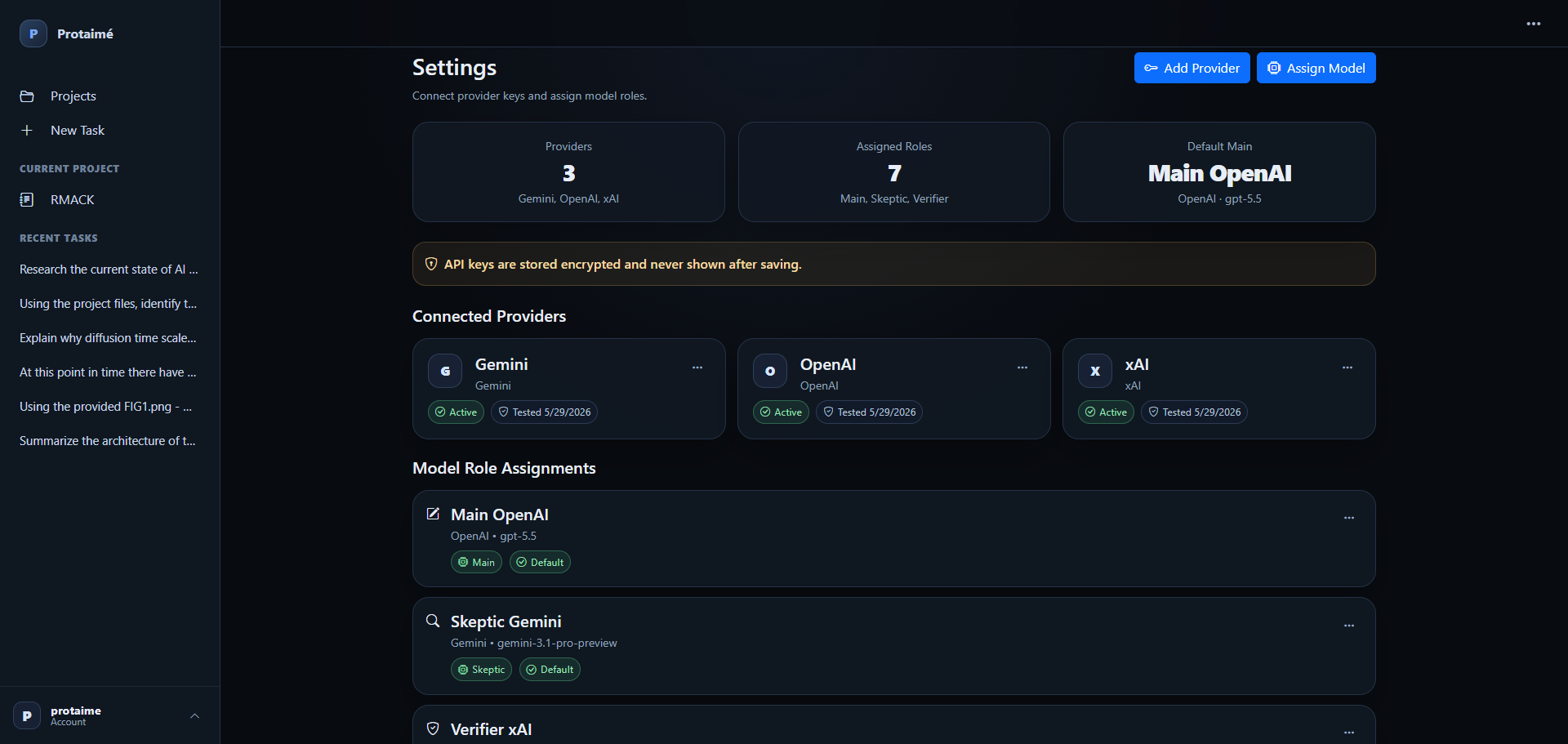
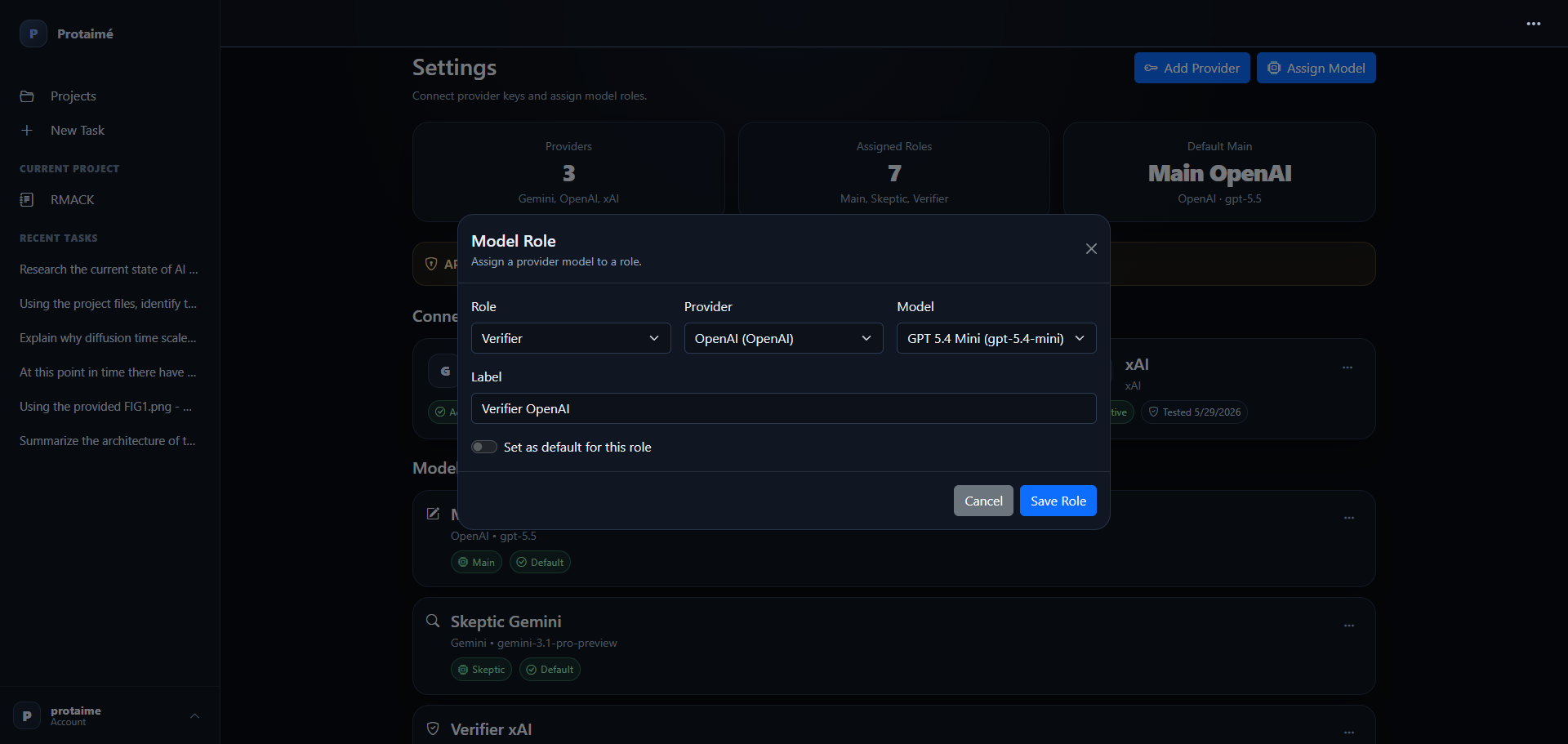
Protaimé helps users move serious AI work out of scattered chats and into durable project workspaces. Each project can organize files, folders, extracted text, memory, instructions, task history, sources, audit records, and revisions. Users can connect their own OpenAI, Gemini, or xAI provider keys and assign models to roles for direct or reviewed workflows.
Detailed Description
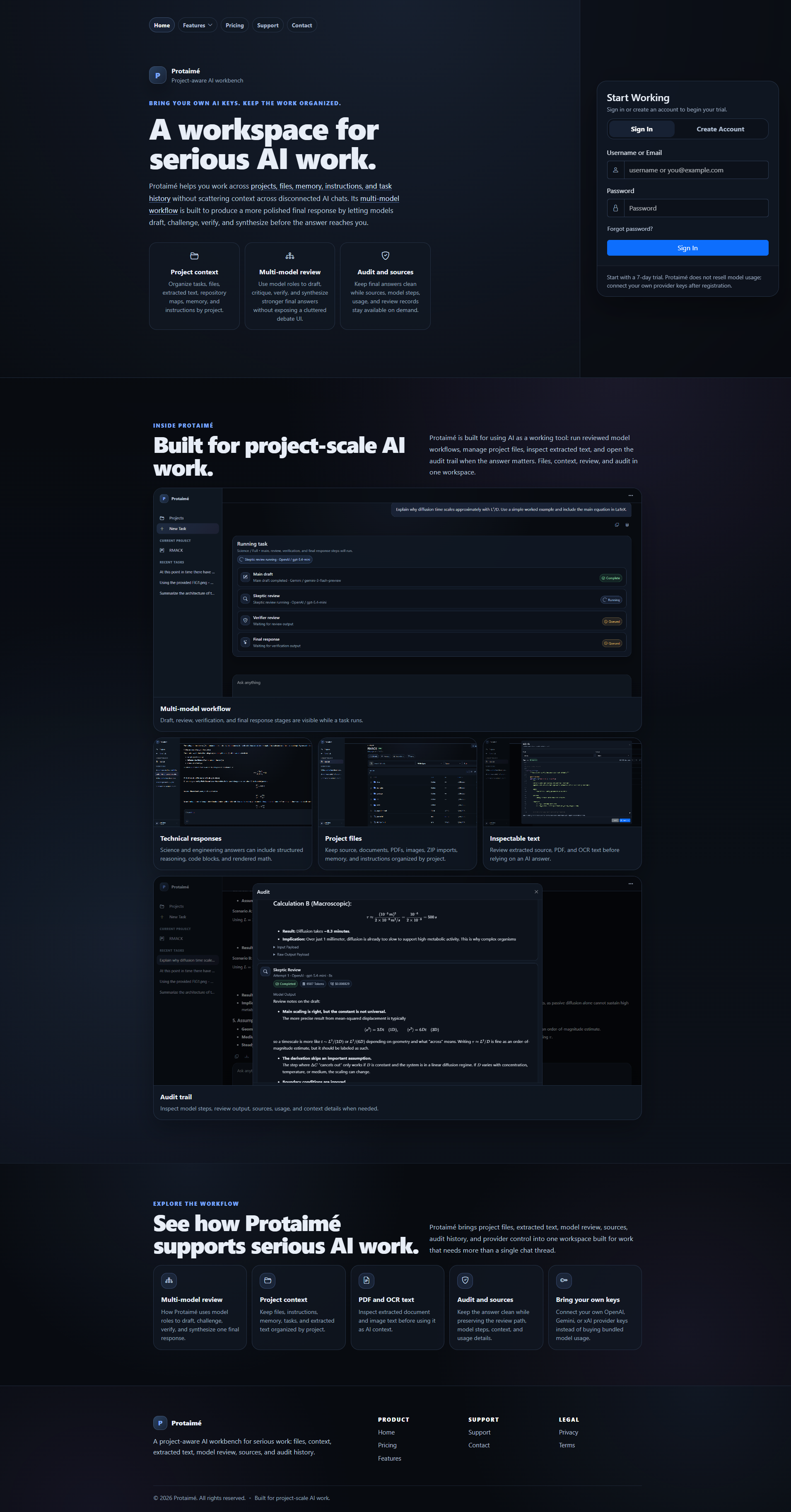
Most AI tools give users chats with attachments. Protaimé gives serious AI work a real project workspace. It preserves file organization, supports editable project artifacts, extracts and enhances text from documents and images, tracks sources and audit details, records artifact revisions, exports Markdown to PDF or DOCX, and uses model roles to draft, review, verify, and synthesize one final answer when a deeper workflow is needed.
Not just chats with uploads. A real AI project workspace.
Protaimé is built for project-scale AI work where the user should be able to organize files, inspect context, update source material, review how an answer was produced, and reuse project knowledge across tasks.
Organize Project Files
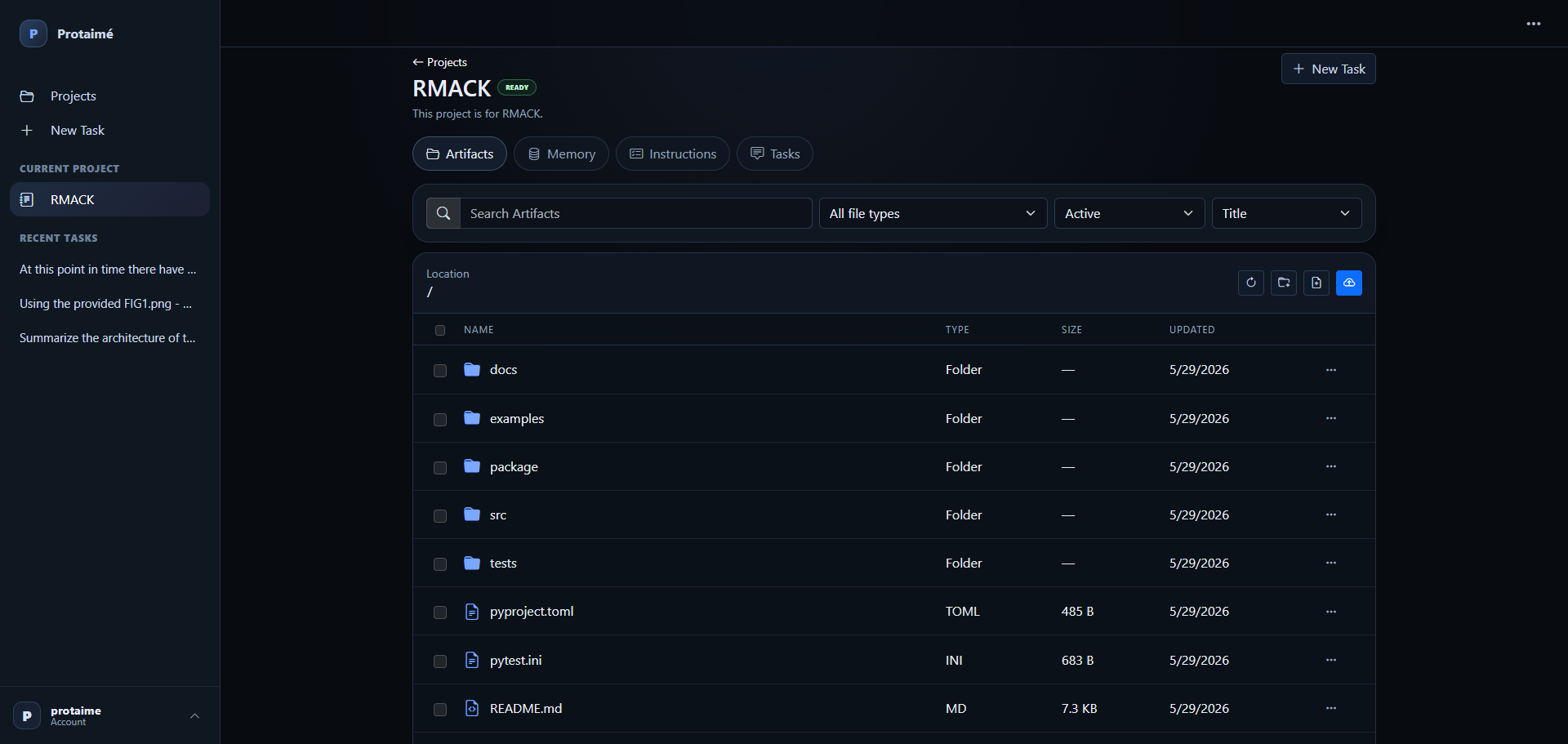
Use projects, folders, uploaded files, synchronized files, and extracted text instead of a flat one-bucket upload area.
Select Context Deliberately
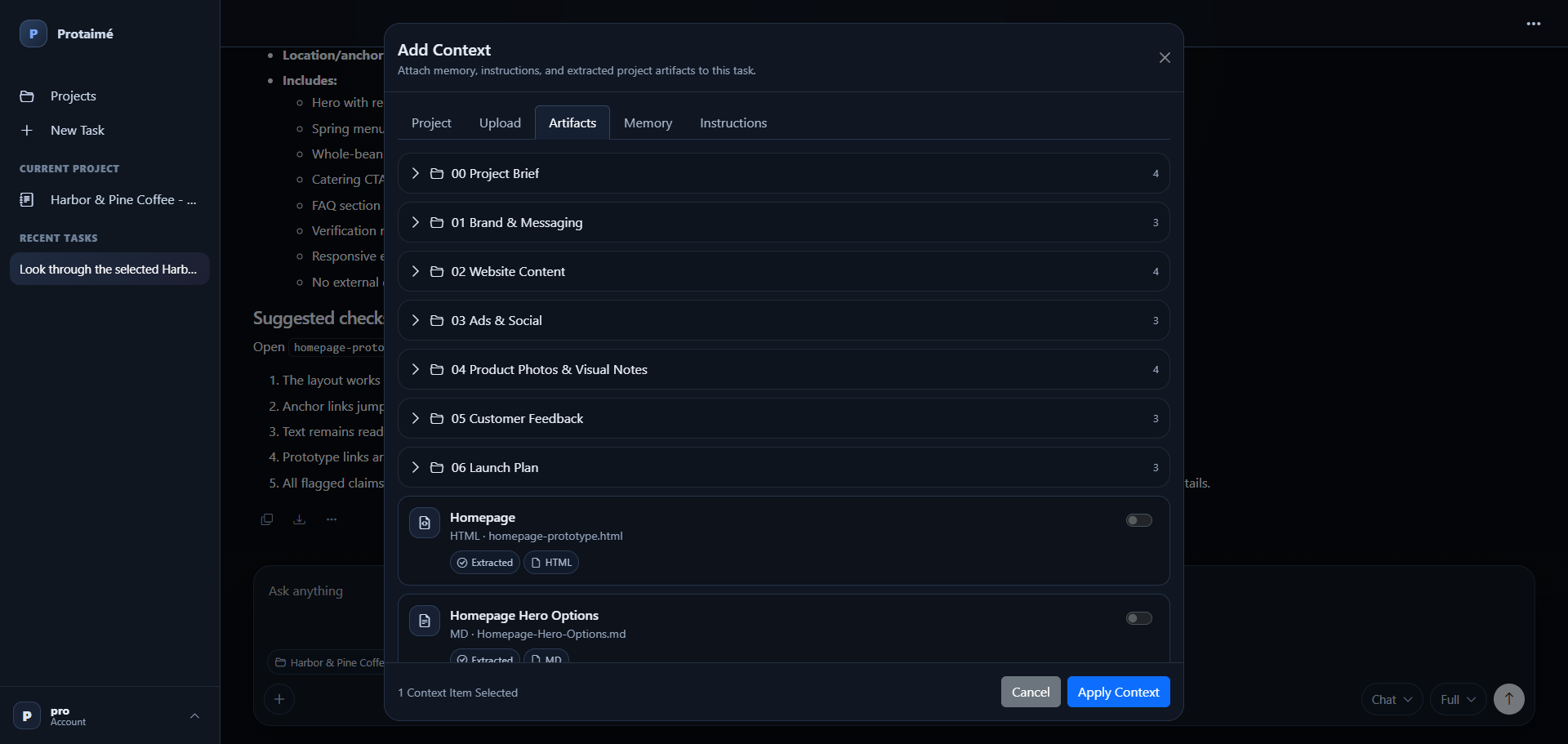
Attach specific files, folders, memory, and instructions so prompts use the material that actually matters.
Use Model Roles
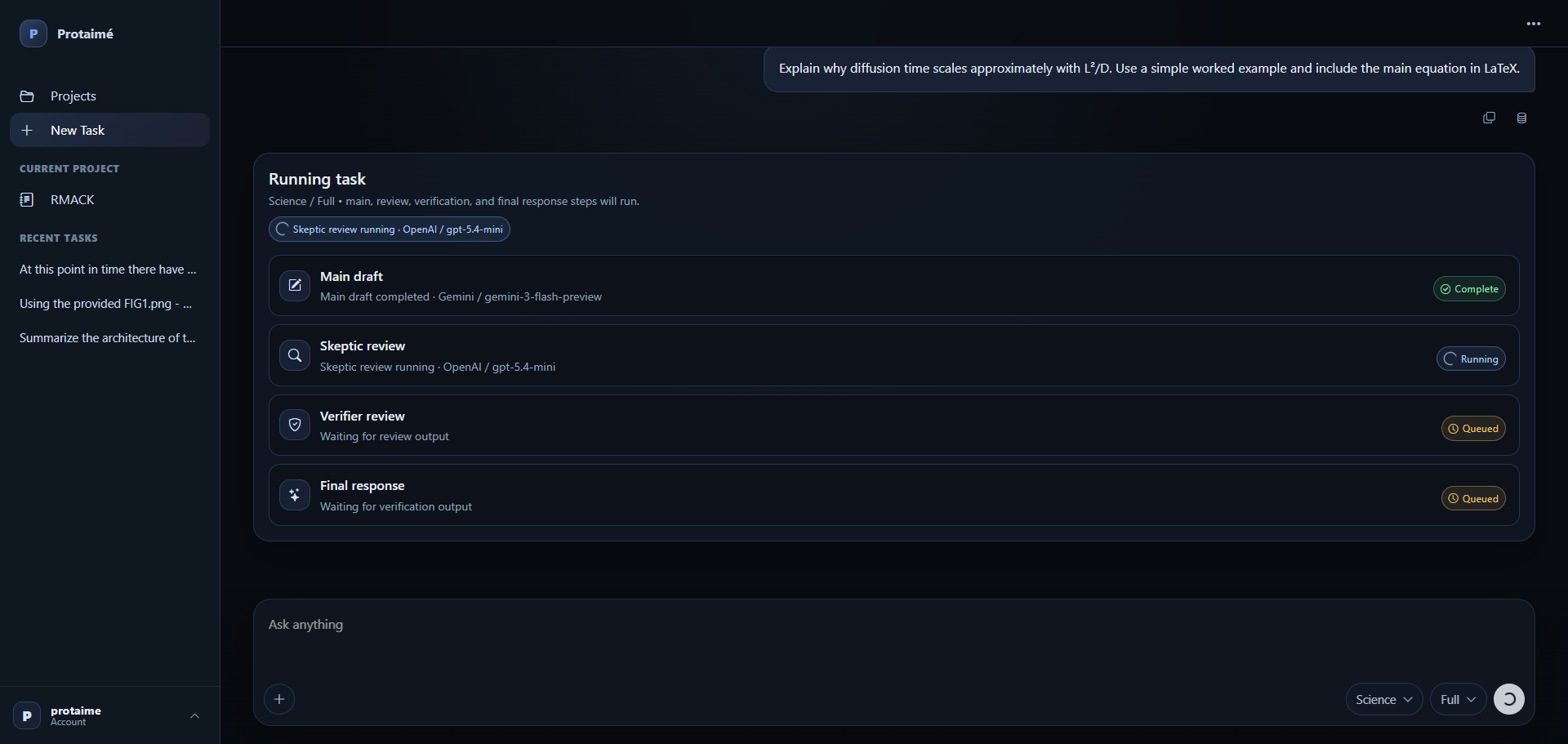
Run direct answers or reviewed workflows where provider-backed models draft, review, verify, and synthesize one final response.
Inspect the Trail
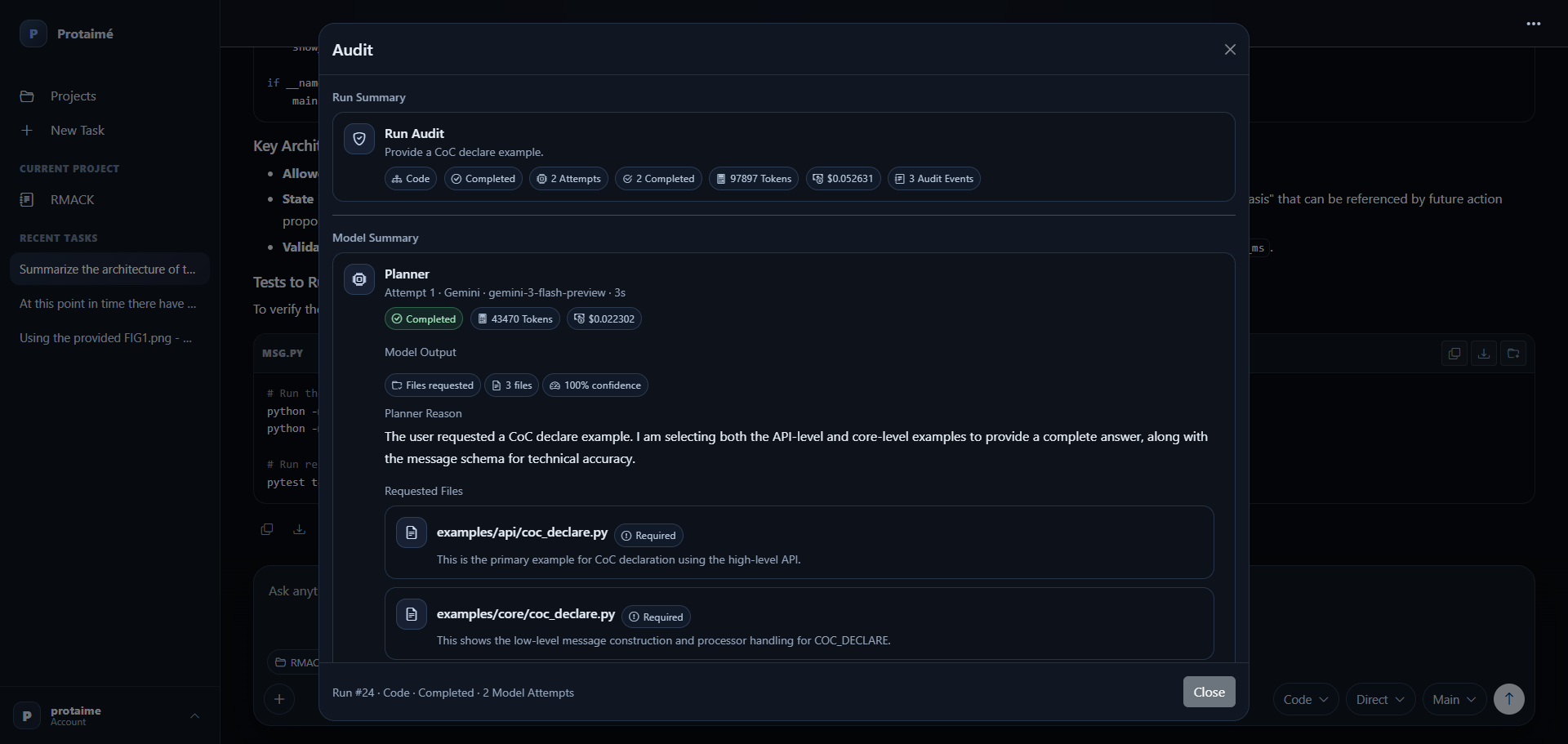
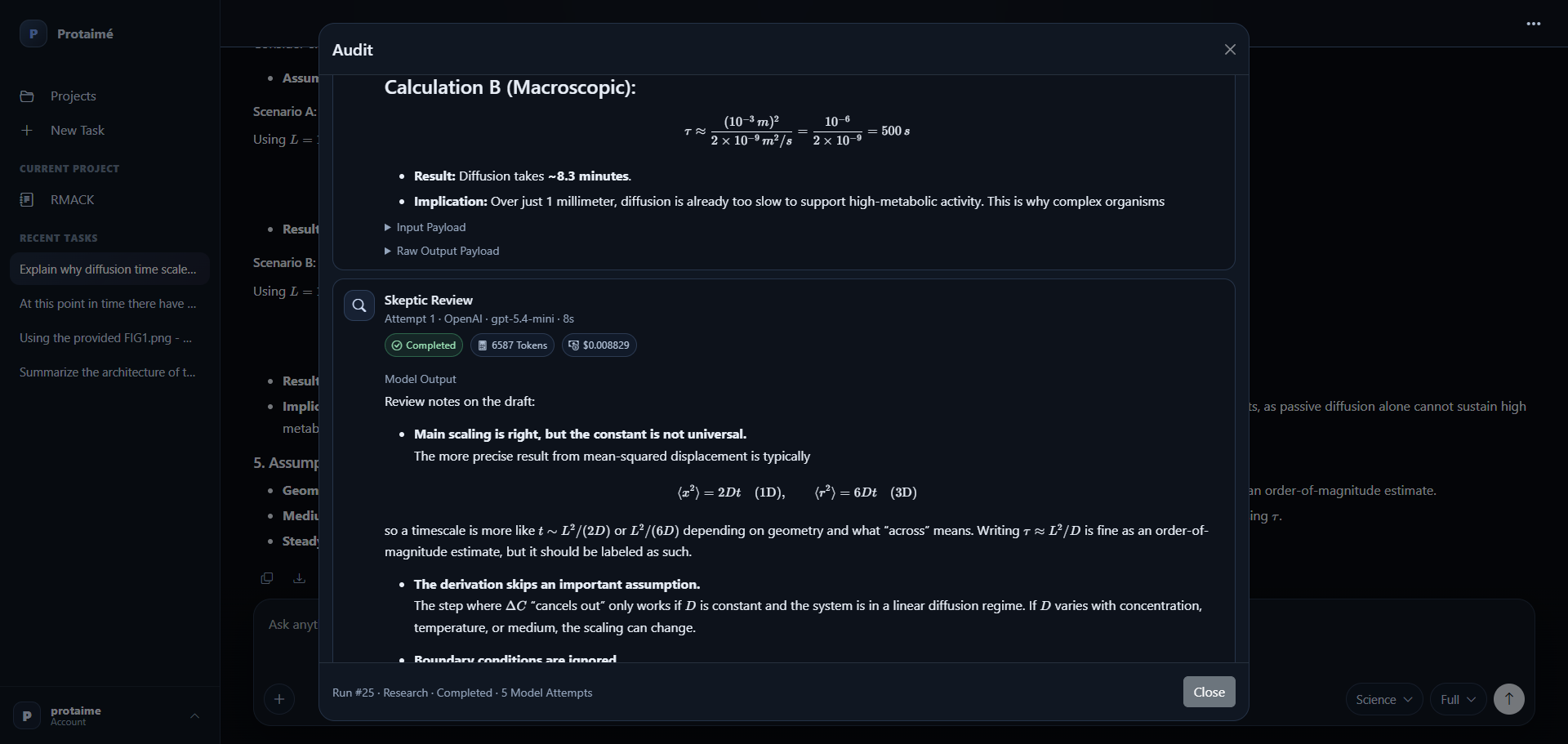
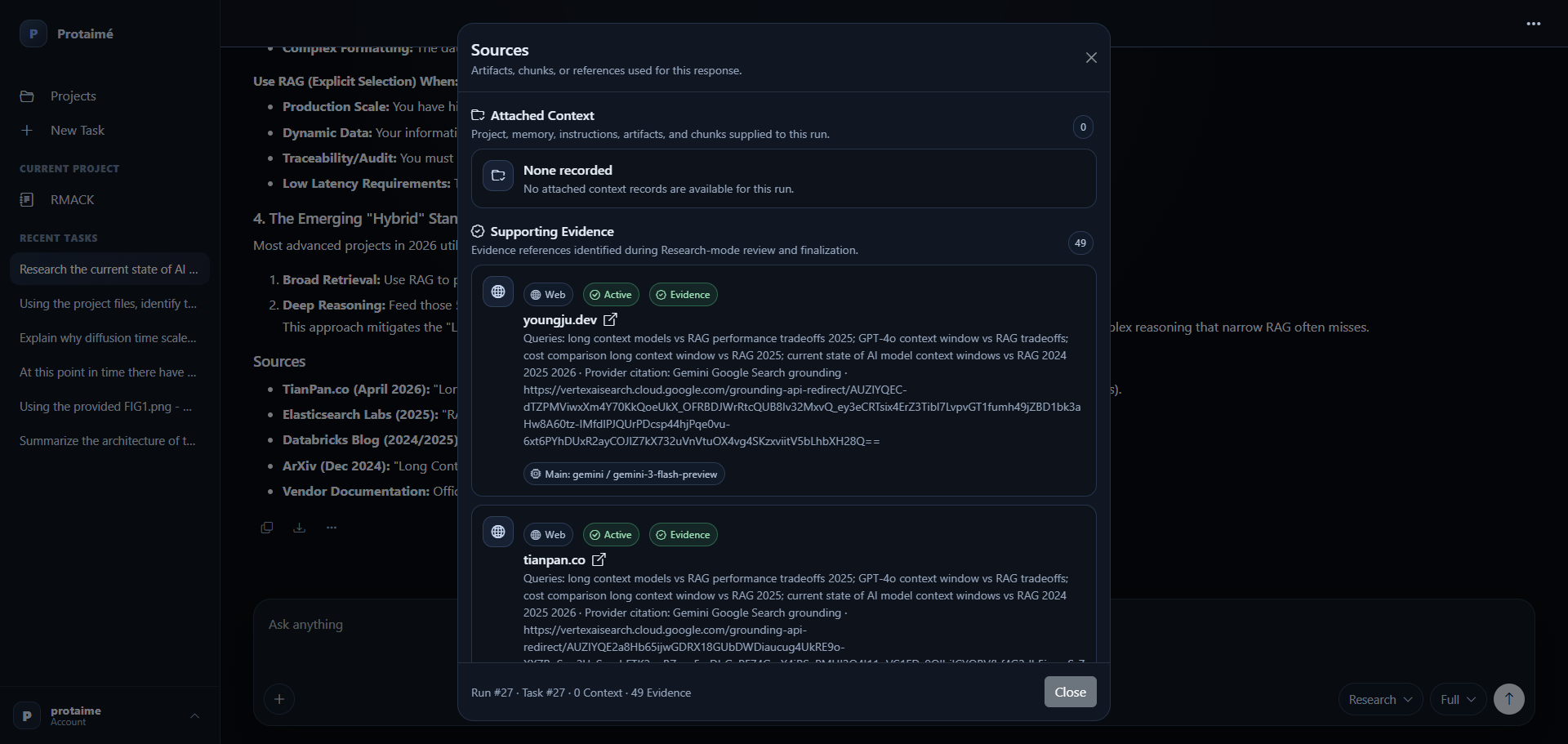
Review sources, audit details, model steps, token/cost data, requested files, and artifact history when the answer matters.
Useful facts to include in articles or posts.
These are accurate Protaimé feature areas. Do not describe Protaimé as free AI model usage; users connect their own supported provider keys.
Projects and Files
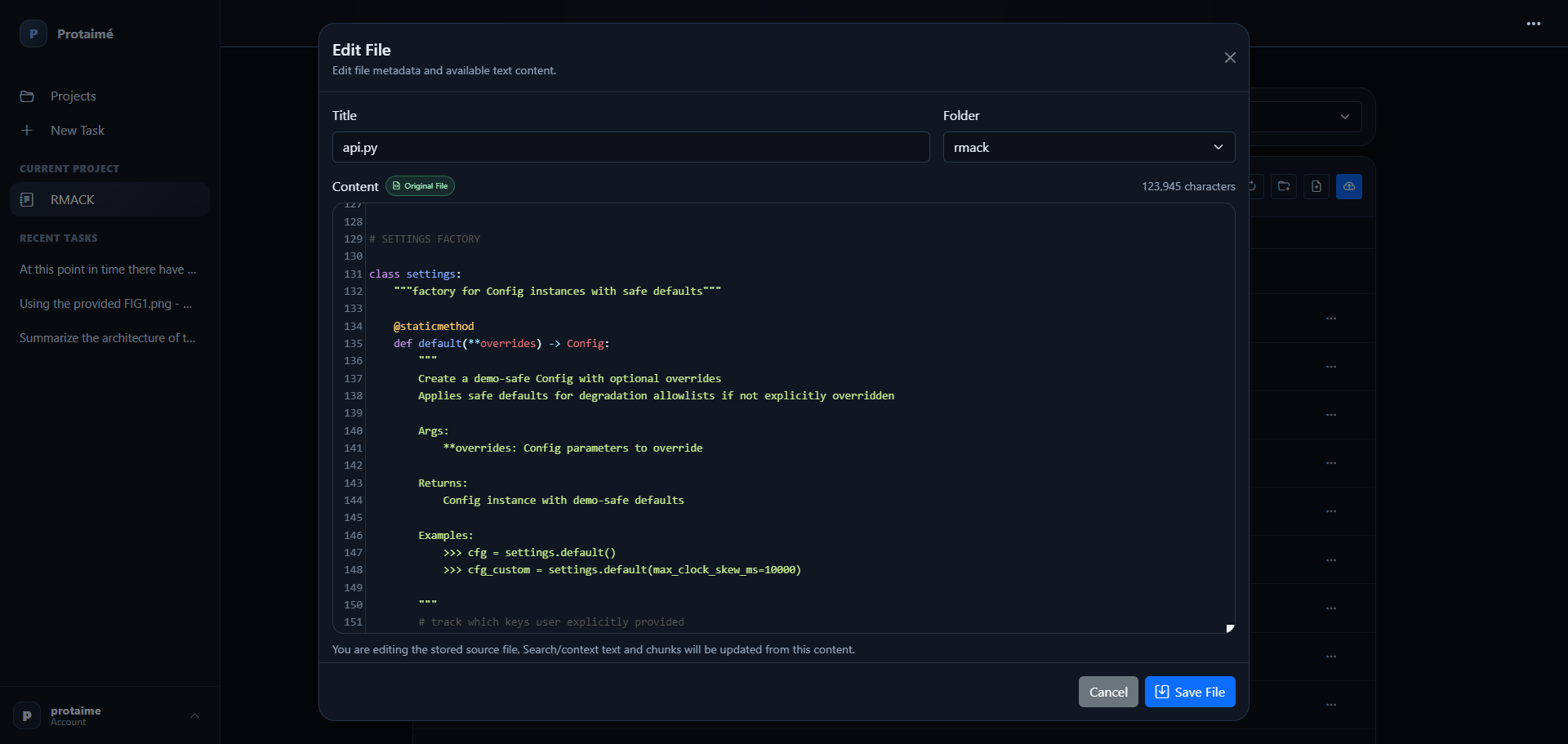
Projects, folders, uploaded files, synchronized files, ZIP imports, file viewing, authenticated downloads, in-place editing, overwrite/reupload flows, and Desktop sync.
Extracted Text
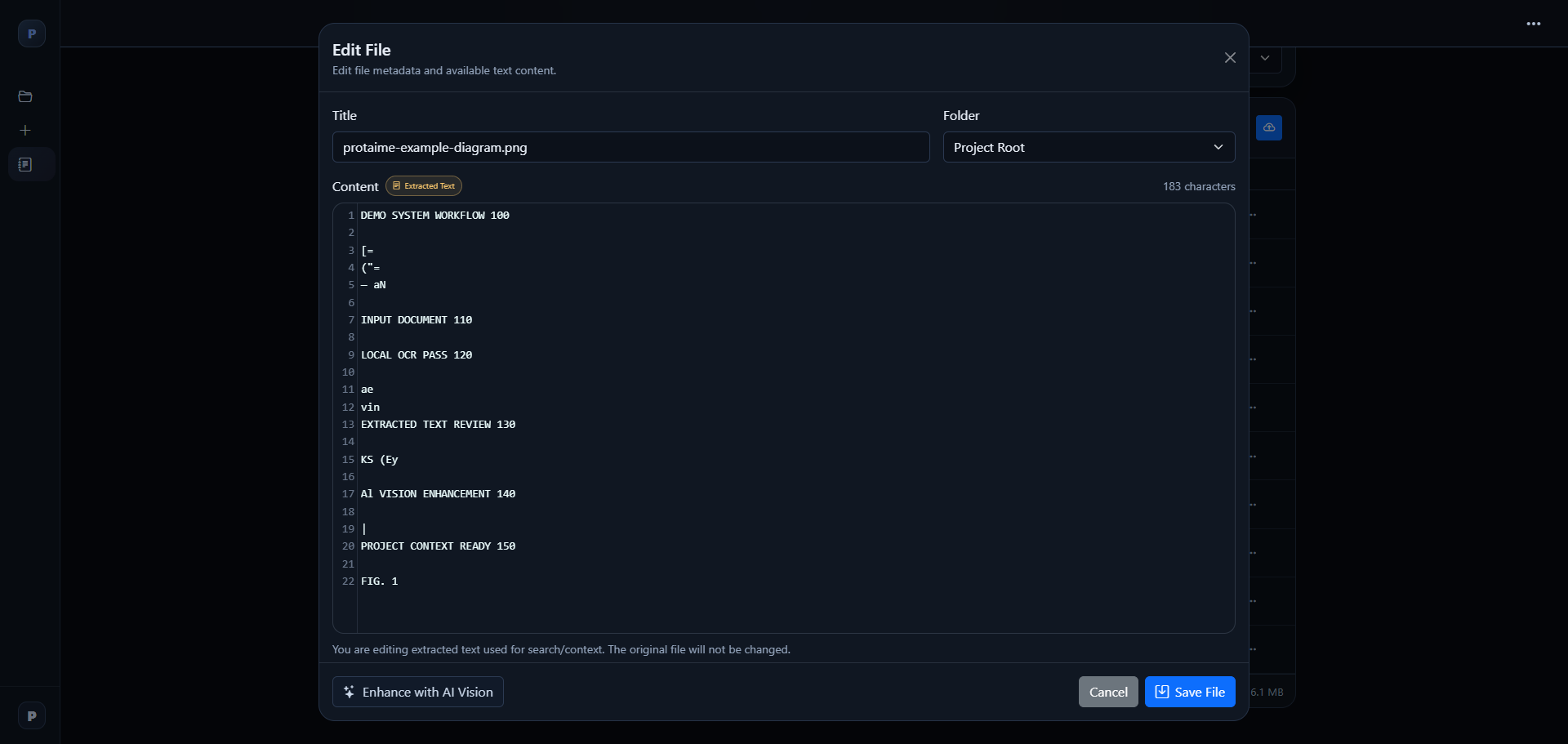
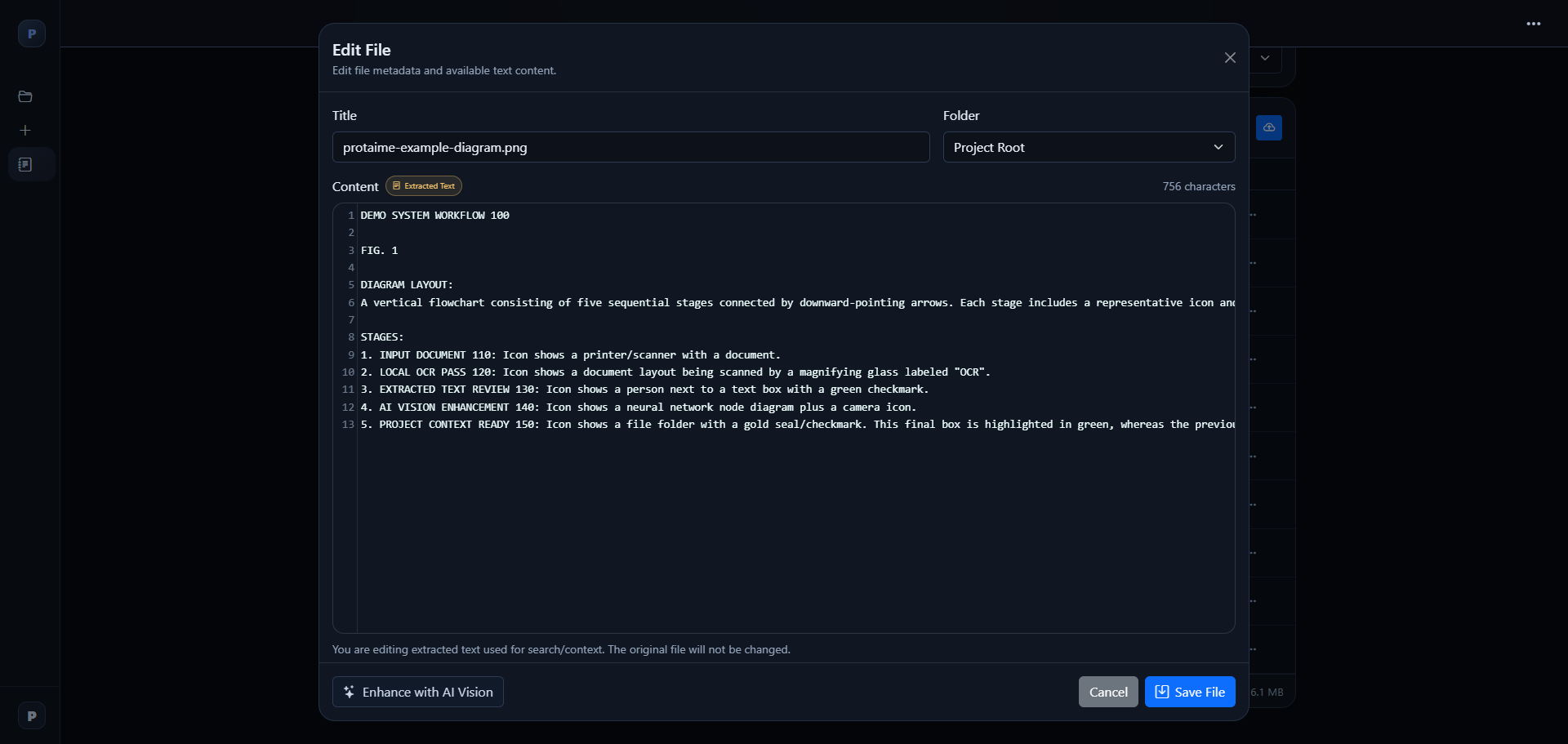
PDF text extraction, OCR, image/PDF extraction support, editable extracted text, Enhance with AI, and AI Vision enhancement for visual material.
Repository Intelligence
Backend project/repository summaries, file summaries, code metadata, symbols, functions, classes, and targeted file loading for code-mode tasks.
Model Workflows
Direct, Fast, and Full execution concepts with model roles for main response, review, verification, and final synthesis where configured.
Sources and Audit
Attached context records, source records, audit trails, model-step records, usage visibility, token/cost details, and inspectable run history.
Revisions and Exports
Artifact revisions, editable text layers, file/text revision separation, Markdown output, and Markdown-to-PDF or Markdown-to-DOCX export capability.
Images available for media and social posts.
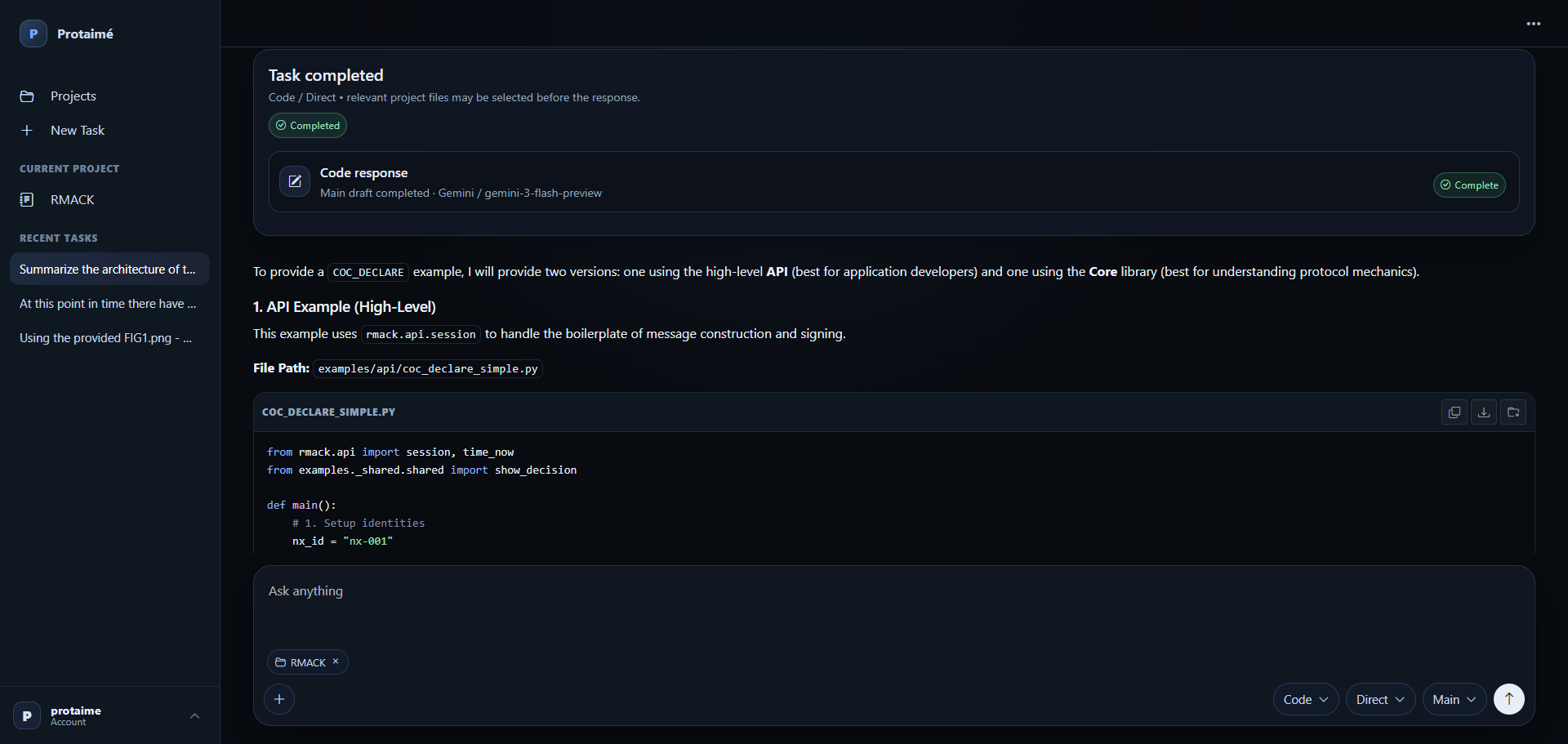
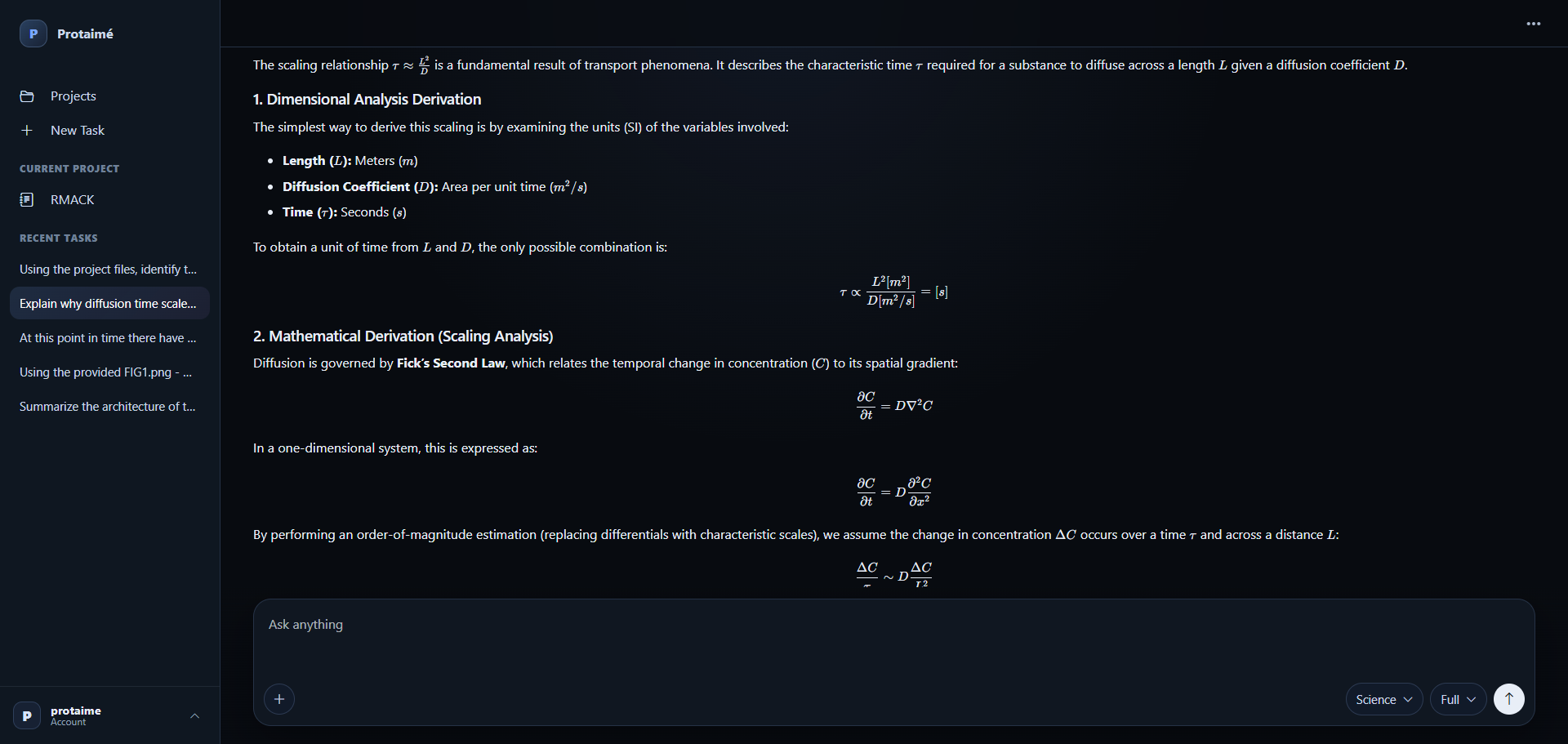
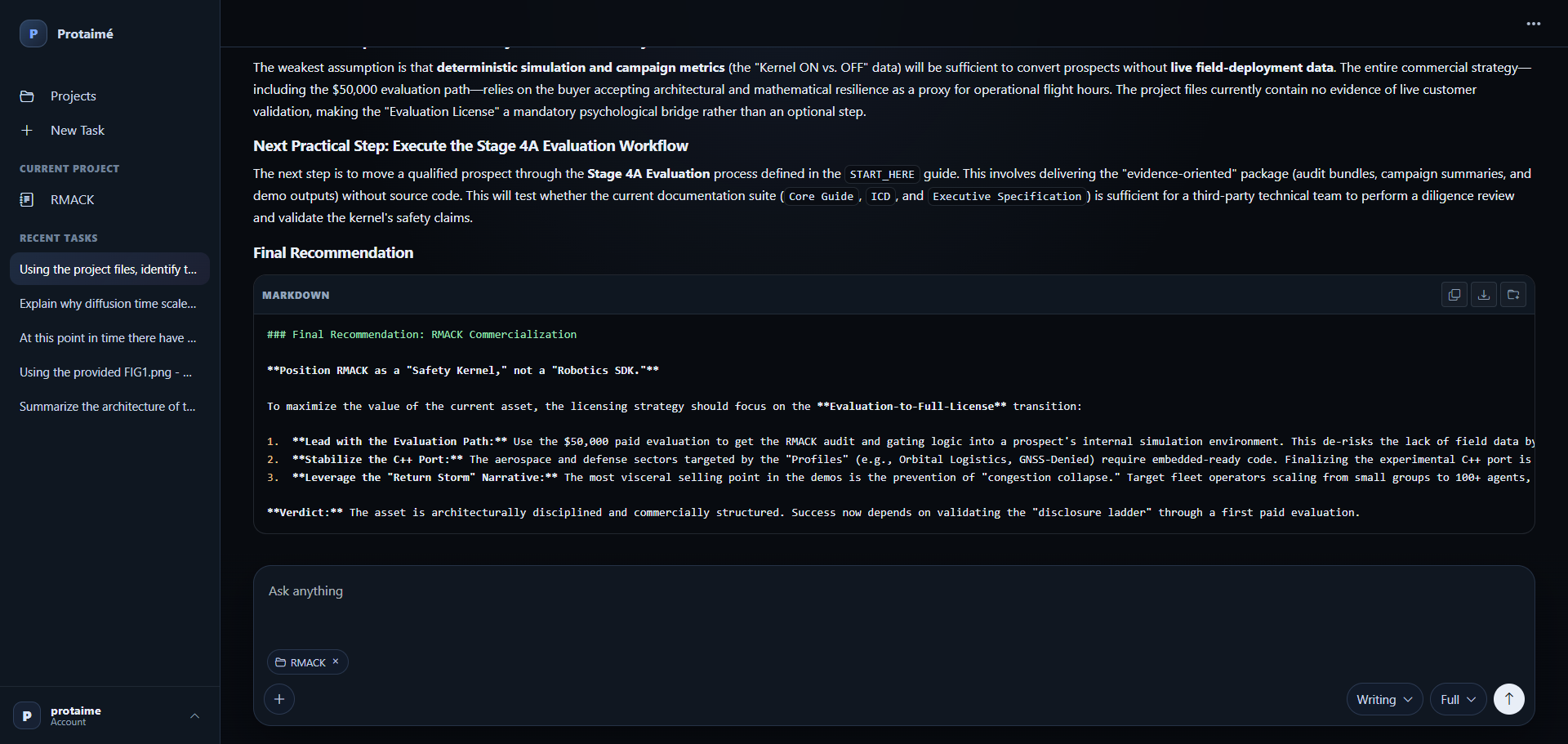
These screenshots may be used when writing about Protaimé. Please preserve the product name and avoid implying that Protaimé includes free AI model credits.
Short Protaimé workflow video.
This short video shows Protaimé’s multi-model workflow and audit behavior. It can be used as a product demonstration clip where video posts are supported.
Rules for paid grassroots posts.
If you are responding to a paid post offer from Protaimé, these rules apply. The goal is accurate disclosure-compliant promotion, not fake testimonials, spam, or engagement manipulation.
Disclosure Required
If you are paid or offered payment to post about Protaimé, clearly disclose that in the post using language such as #ad, sponsored, paid post, or the platform’s paid partnership disclosure tool where available.
Original Public Posts Only
Posts should be public, original, and written by a real person. Do not use bot accounts, private posts, duplicate spam, copied posts, or misleading engagement tactics.
Accuracy Required
Do not say you personally used Protaimé unless you actually did. Do not claim Protaimé guarantees correct AI answers, includes free model usage, or replaces every AI provider or coding tool.
Most AI tools give you chats with uploads. Protaimé gives you a real project workspace.
Suggested phrasing: “Protaimé is a BYOK AI workbench for serious project work: folders, files, extracted text, model roles, audit trails, revisions, exports, and Desktop sync.”
Avoid inaccurate claims.
These restrictions keep Protaimé descriptions accurate and prevent confusion for new users.
Do not call it free AI.
Protaimé uses a bring-your-own-key model. Users connect their own OpenAI, Gemini, or xAI provider keys.
Do not promise correctness.
Protaimé adds workflow discipline, review, sources, and audit trails. It does not make AI automatically correct.
Do not claim fake usage.
Do not write “I used this” or imply personal experience unless you actually created an account and used the product.
Do not describe it as an IDE.
Protaimé can work with code projects, but it is an AI workbench around project files, not a replacement for VS Code, Cursor, Codex, or Git.
Download screenshots, descriptions, and the short demo video.
The media kit includes Protaimé screenshots, product descriptions, suggested feature bullets, posting guidance, and the short workflow video where available.