Keep the answer clean. Keep the work inspectable.
Protaimé separates the final response from the supporting trail behind it. Review model steps, attached context, research sources, usage details, and audit history when an answer needs verification.
Inspect the process without cluttering the final answer.
Protaimé keeps the workspace focused on the final response, while deeper details remain available when needed: model output, review steps, attached context, research evidence, and usage details.
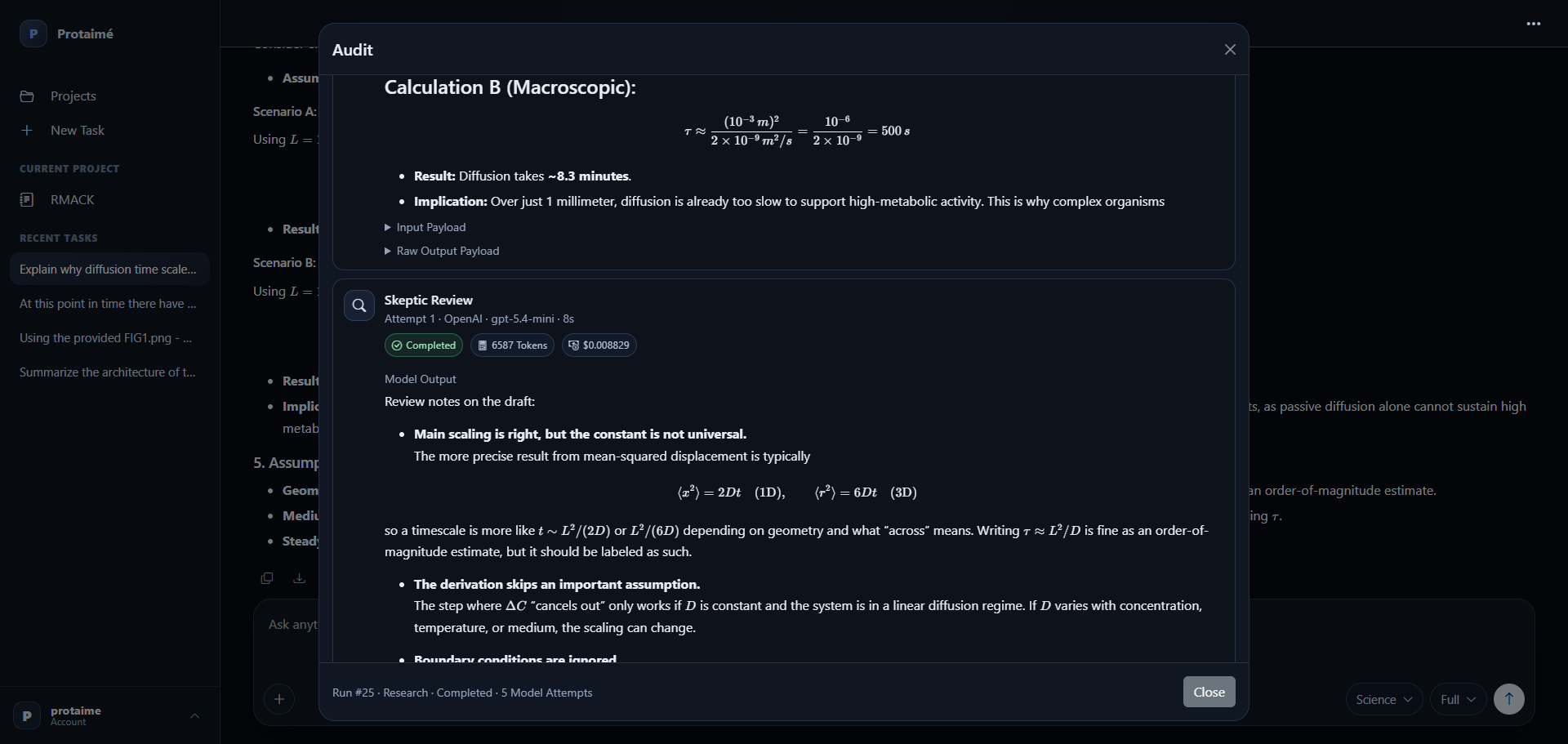
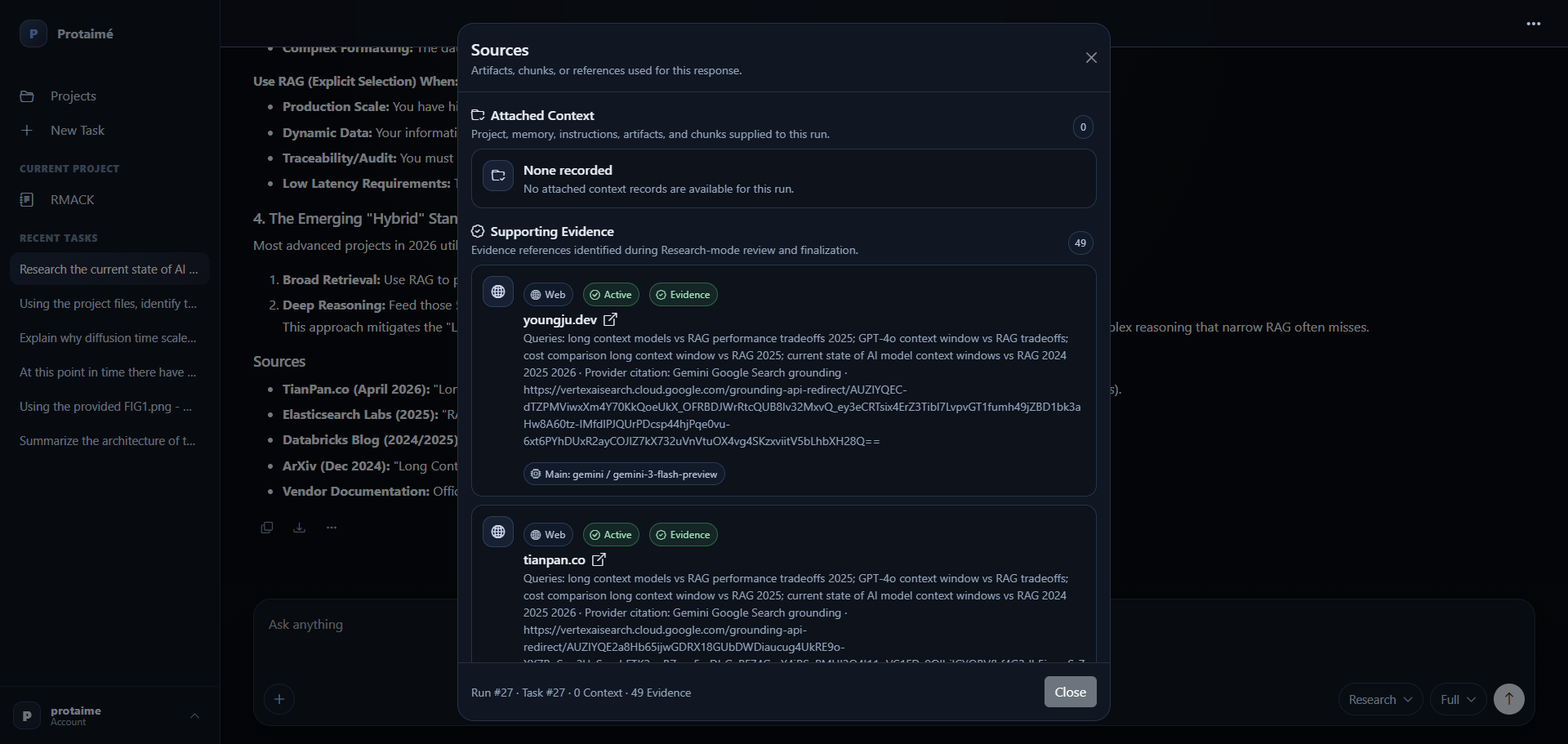
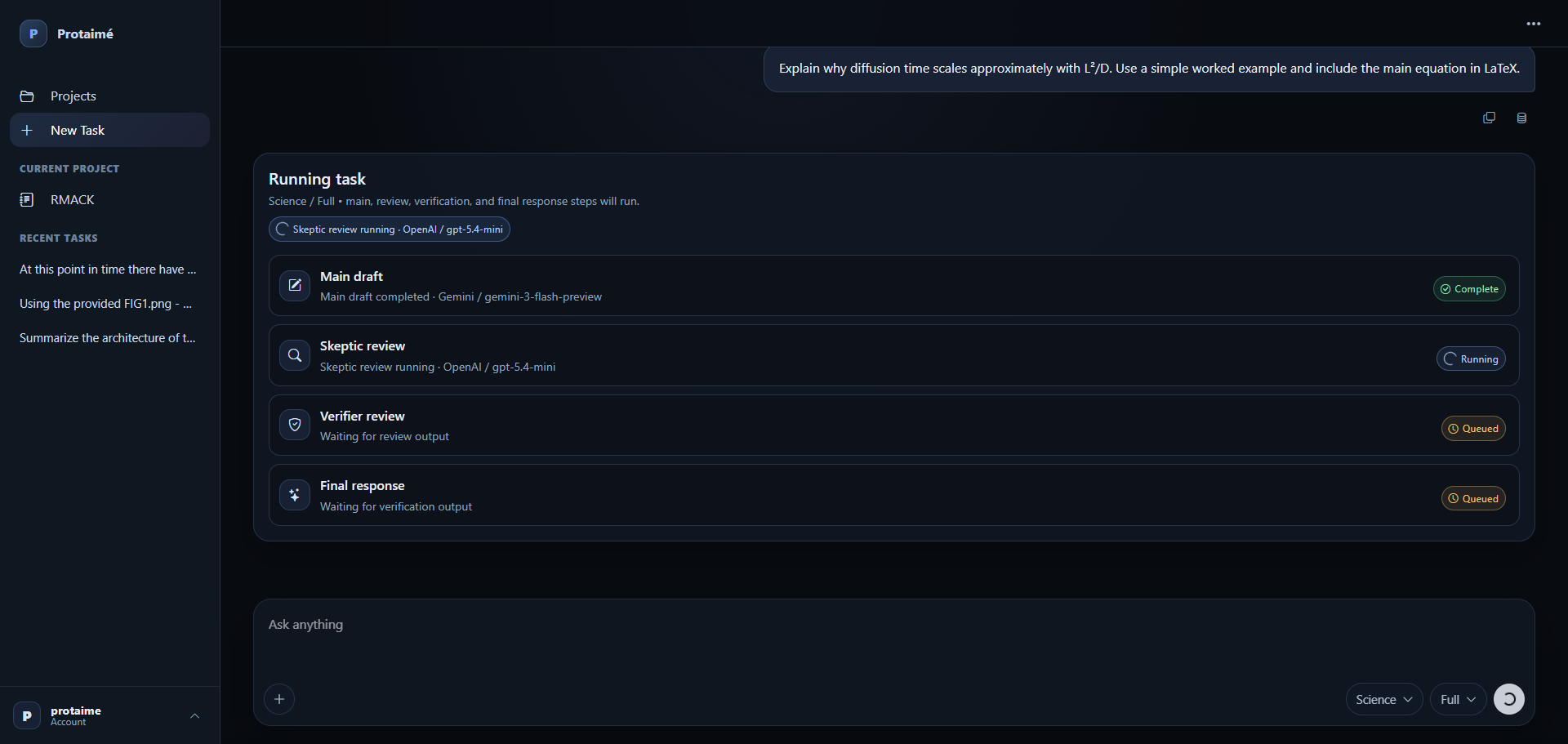
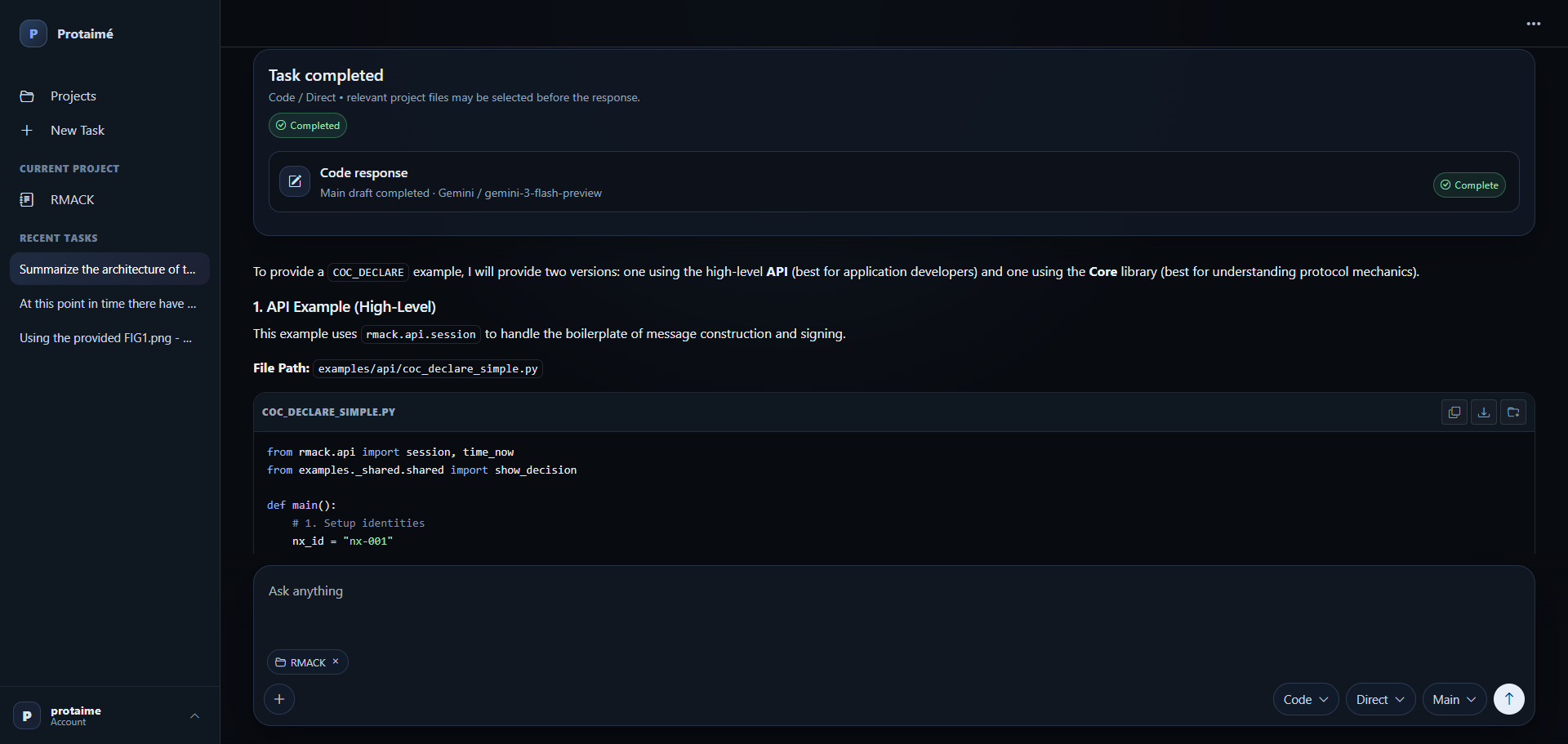
Trace the answer without turning the workspace into noise.
The audit trail is available when you need it, but it does not force every response to read like a debugging log.
Run the Task
Ask a question using direct mode or a reviewed workflow with selected project files, memory, instructions, and task context.
Read the Final Answer
Start with the synthesized response instead of sorting through several separate chatbot outputs or raw model messages.
Open Sources and Context
Review attached project context for project-backed runs, or supporting evidence for Research-mode runs.
Review the Audit
Open model steps, review output, usage details, and response history when the answer needs verification or debugging.
Where auditability matters.
Audit and source views are most useful when the response affects real work, project decisions, technical review, or documents you may return to later.
Higher-Stakes Answers
Check the model steps and source context before relying on an answer for technical, strategic, or project-critical work.
Source and Context Visibility
Separate attached project context from Research-mode supporting evidence so you can inspect what informed the response.
Debugging and Review
When an answer looks wrong or incomplete, inspect the trail instead of guessing whether the issue was prompt, context, model, or provider behavior.
Use AI answers you can inspect later.
Create an account, connect your provider keys, run a project-backed or Research-mode task, and open the audit trail when the answer needs verification. Protaimé does not resell model usage.