Run source-required research inside a project workspace.
Protaimé Research Mode is built for source-sensitive work where claims, uncertainty, evidence, and project context matter. Attach files, require sources, review the supporting trail, and use your own OpenAI, Gemini, or xAI provider key.
Use AI research when the answer needs evidence, not just fluency.
Provider research tools can be useful for direct questions. Protaimé is different when the research belongs to a project, depends on selected files, requires sources, and should leave an inspectable trail behind the final answer.
Ask research questions with context, sources, and reviewability.
Research Mode is for questions where the answer should be connected to evidence. Use it with project files, extracted text, selected context, provider-backed models, and an inspectable trail.
Add Project Material
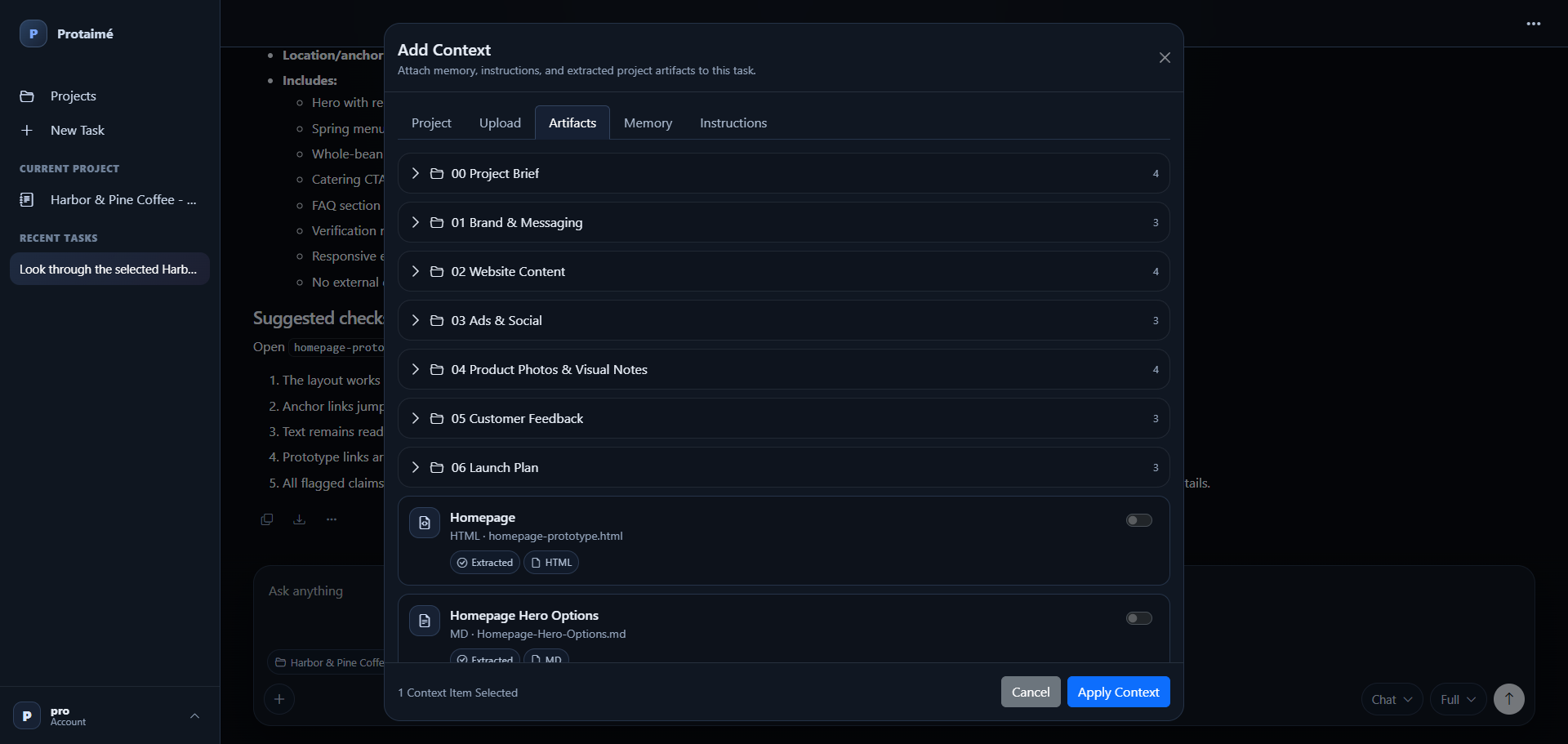
Upload documents, PDFs, notes, source material, specifications, research packets, or other files that should inform the answer.
Select Research Context
Choose the files, folders, memory, and instructions that should be attached to the research prompt.
Require Sources
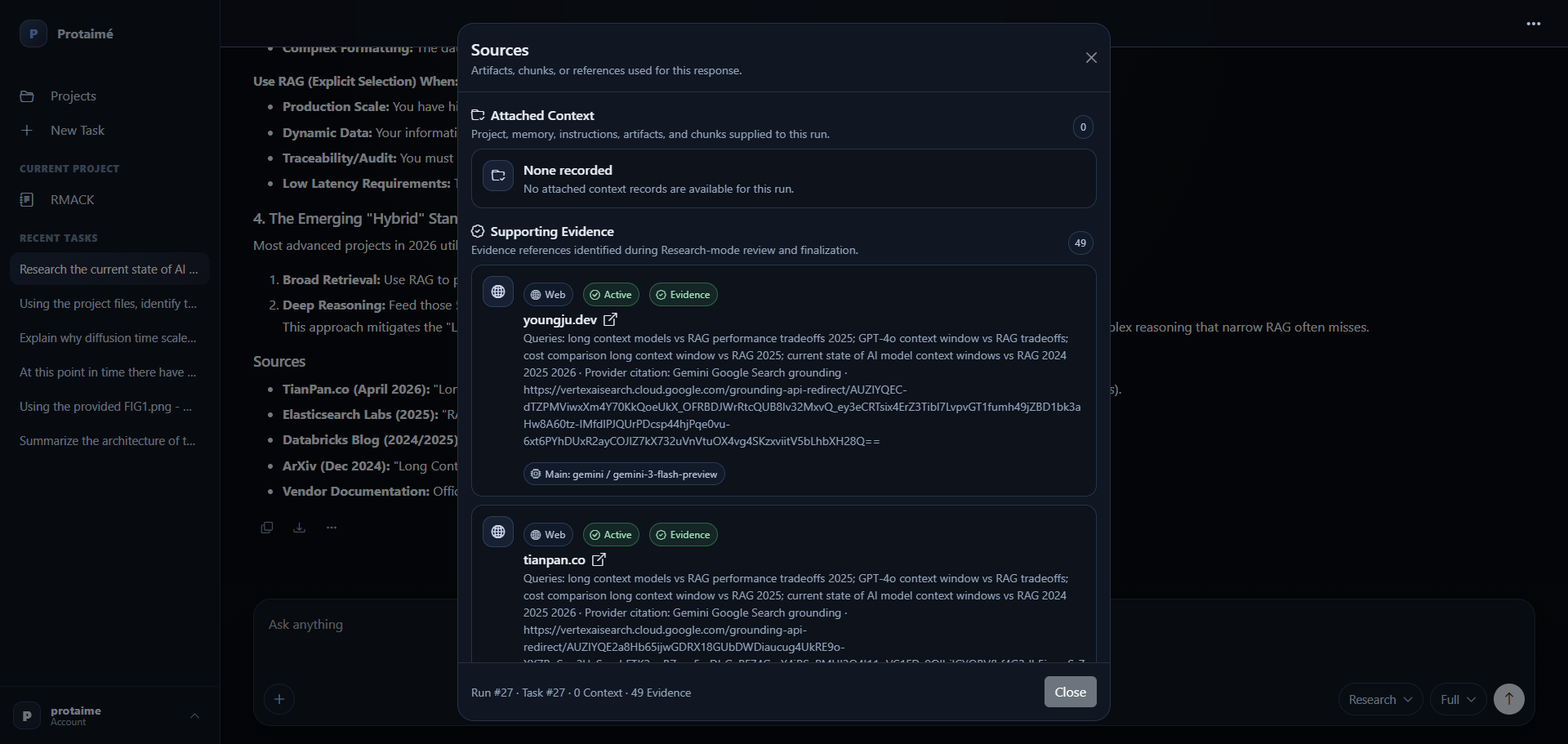
Use Research Mode when the response should include supporting sources rather than unsupported claims or loose speculation.
Review the Trail
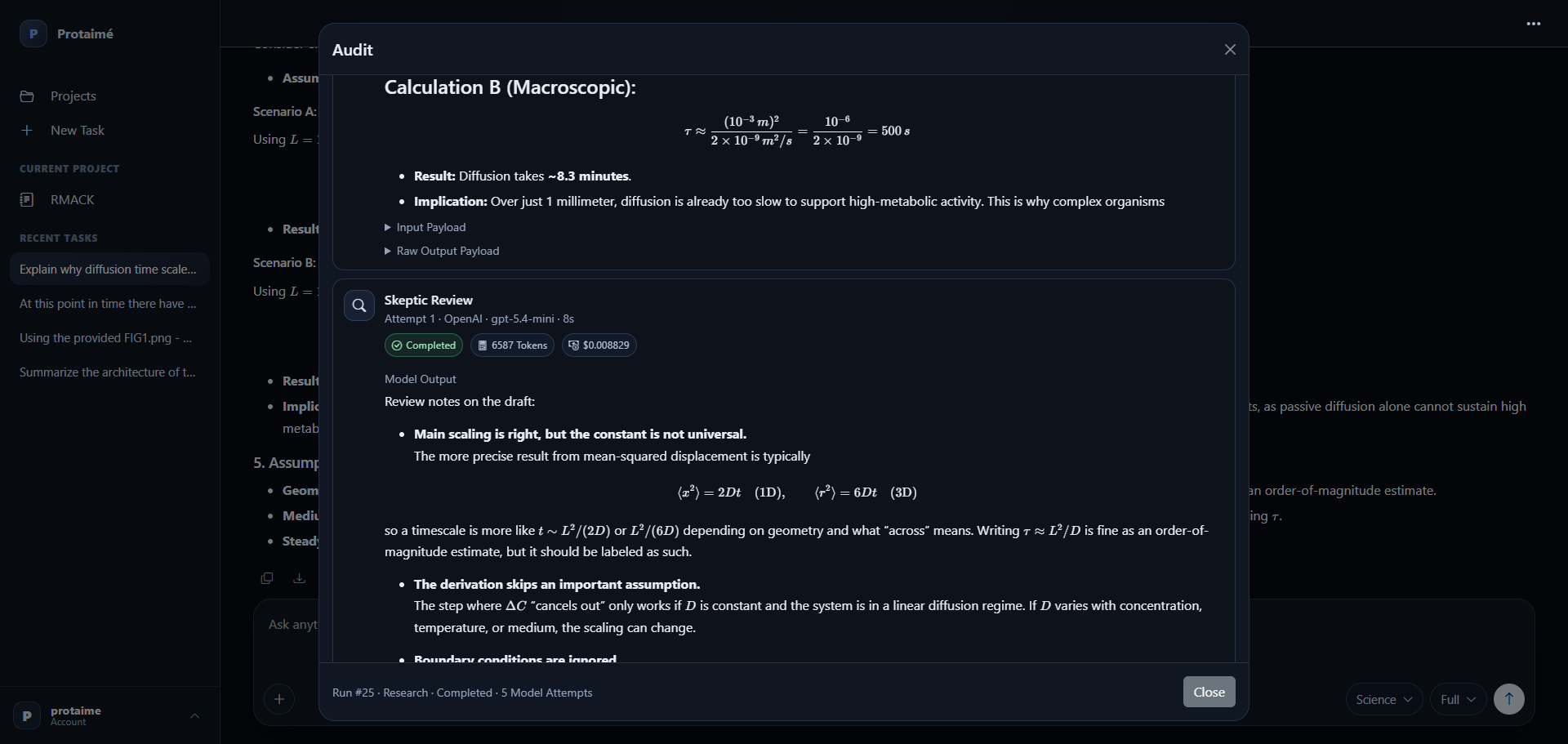
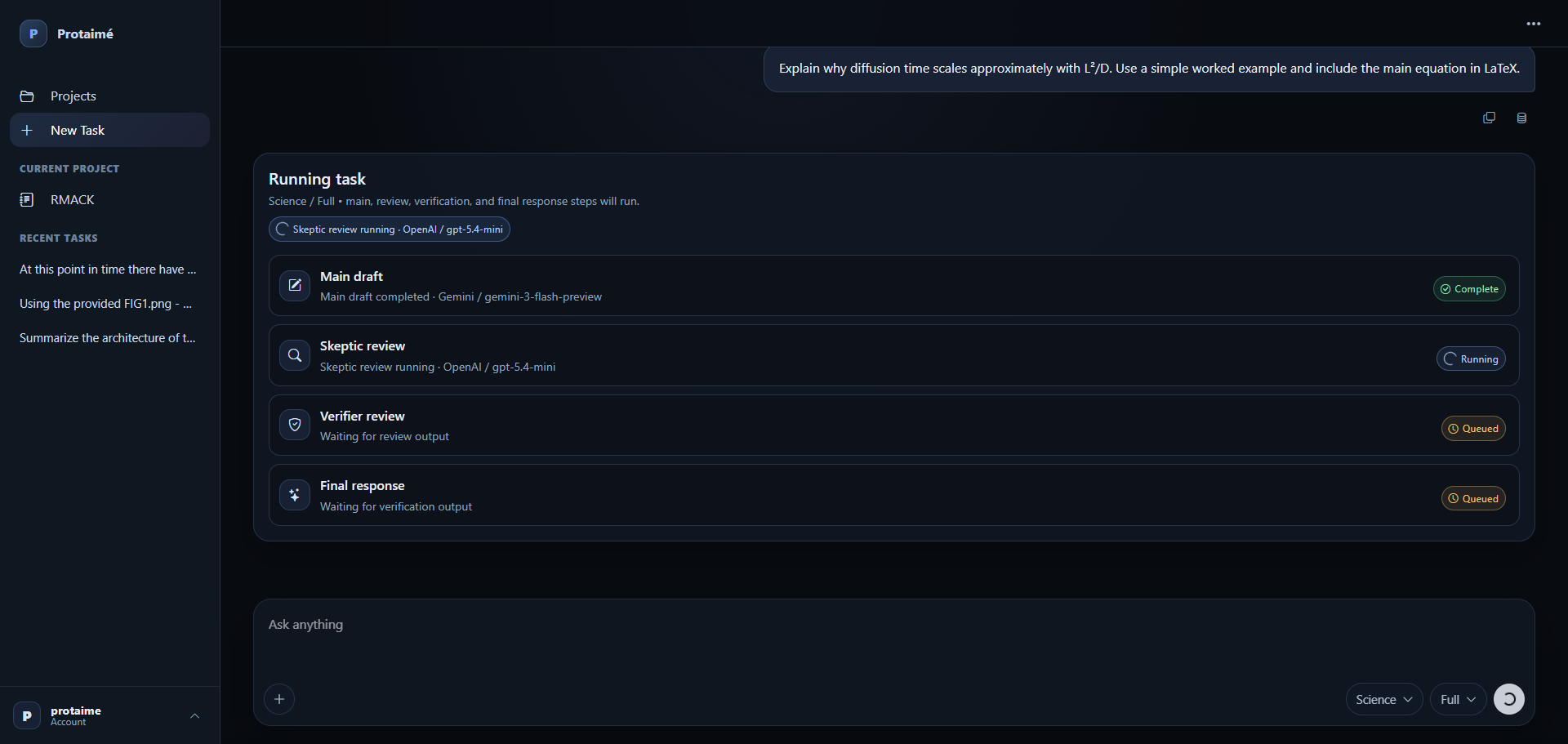
Open the supporting context, source records, model steps, usage details, and audit history when the final answer needs inspection.
For research that belongs to a project.
Protaimé is most useful when research depends on project files, source material, evidence, assumptions, or later review.
Document-Based Research
Research questions using PDFs, reports, extracted text, notes, specifications, policy material, or project packets.
Evidence-Backed Answers
Use Research Mode when the answer should show sources and distinguish supported claims from uncertainty.
Inspectable Decisions
Keep the trail behind research-heavy answers so later review does not depend on memory or a loose chat transcript.
This is not a replacement for every provider research UI.
Use provider tools directly when they are the fastest fit. Use Protaimé when the research should be tied to project files, selected context, required sources, review stages, and an audit trail.
Project First
Research work stays connected to project files, extracted text, memory, instructions, and task history.
Review Still Matters
Protaimé can structure source-sensitive work, but it does not guarantee correctness or replace human judgment.
Bring Your Own Key
Connect your own supported provider key after registration. Protaimé does not include free model usage.
Use Research Mode when the answer needs evidence.
Create an account, connect your provider key, add project material, and run source-required research with context and an inspectable trail. Protaimé does not resell model credits or include free AI provider usage.