Use AI with documents, PDFs, and project files.
Protaimé helps you upload files, inspect extracted text, choose document context, and run reviewed AI workflows using your own OpenAI, Gemini, or xAI provider key. It is built for project-backed answers, not one-off paste-and-pray document chat.
Work from uploaded files instead of rebuilding context by hand.
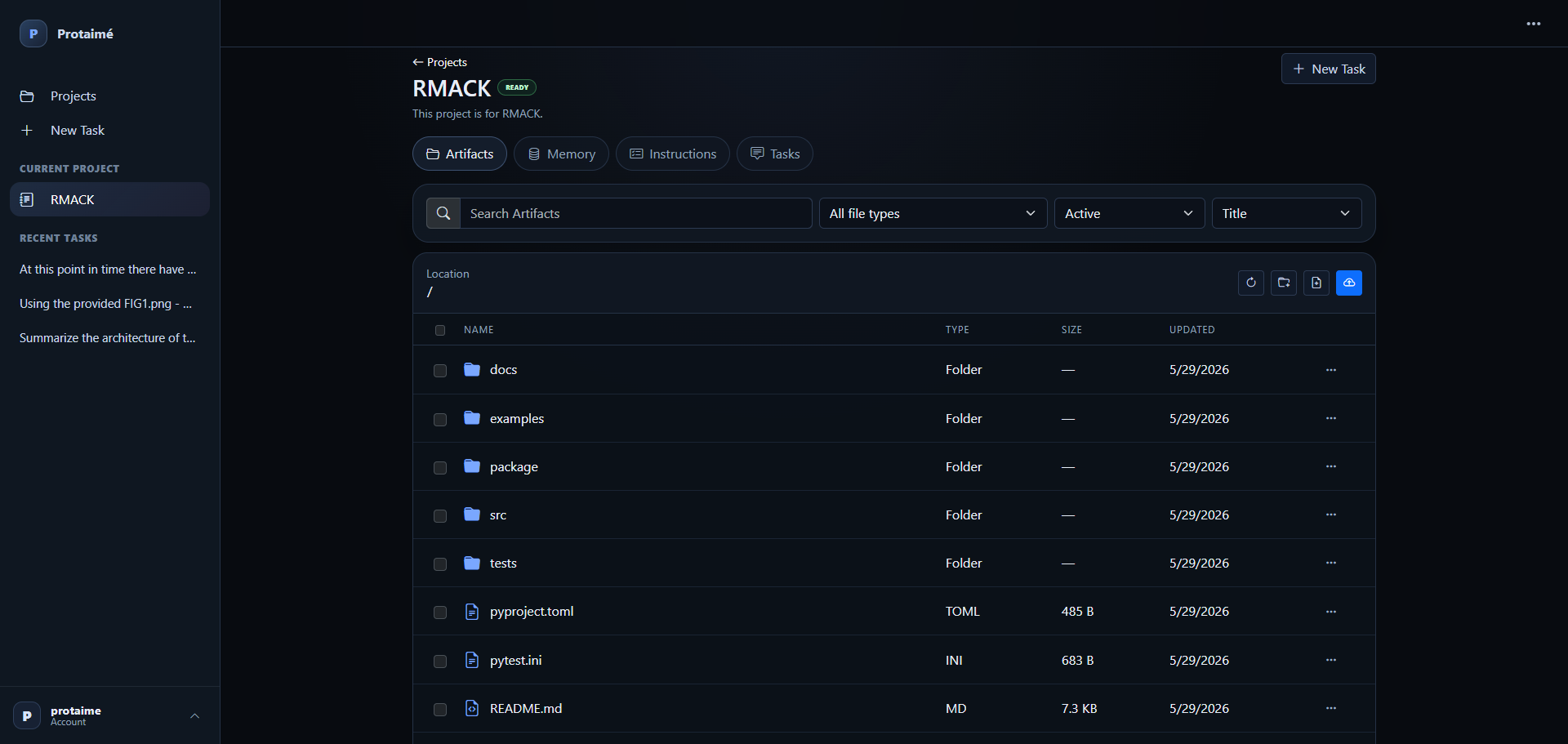
Upload documents and project files, review extracted text, select the files that matter, and ask AI to work from the context you chose. Protaimé keeps the workflow visible so you can see what was used and how the answer was produced.
Upload files. Select context. Ask better questions.
Protaimé is designed for document-heavy work where the AI answer should be grounded in files you can inspect, revise, and reuse across a project.
Upload Documents
Add PDFs, text files, notes, documentation, research material, source files, or other project artifacts to a Protaimé project.
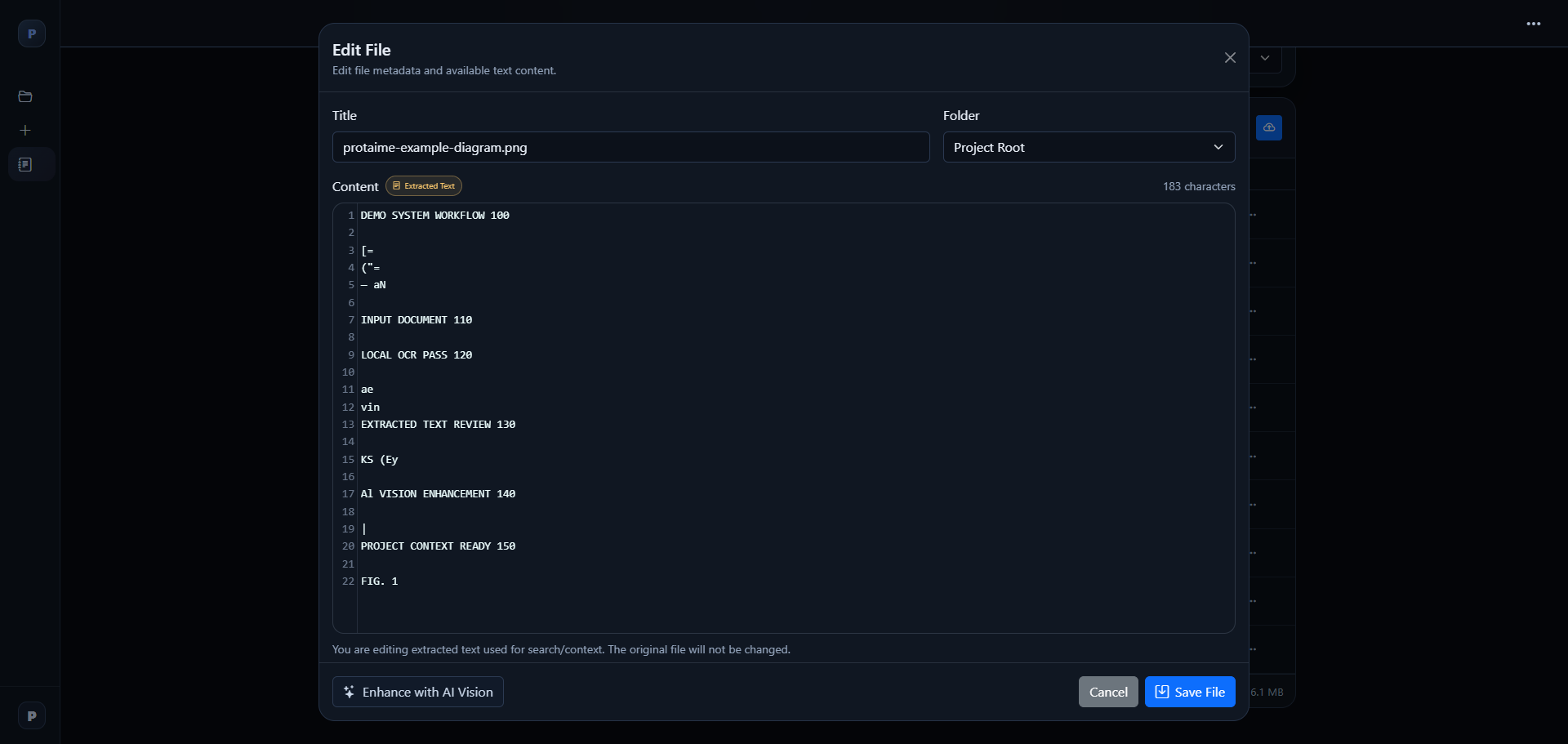
Review Extracted Text
Inspect extracted document text before using it as context. Correct stale, missing, or noisy extraction when needed.
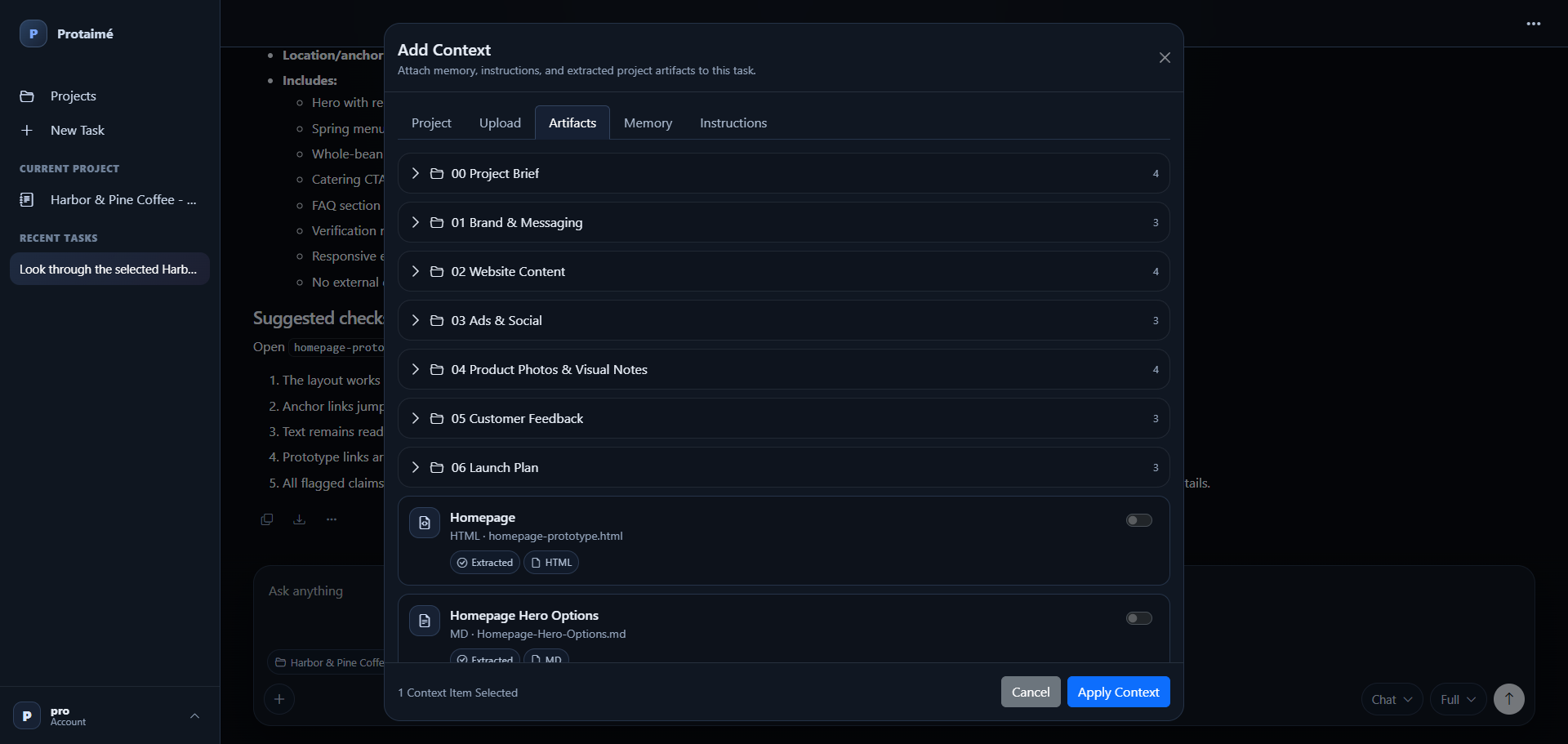
Select Context
Choose the specific files, folders, instructions, and memory that should be included with a prompt.
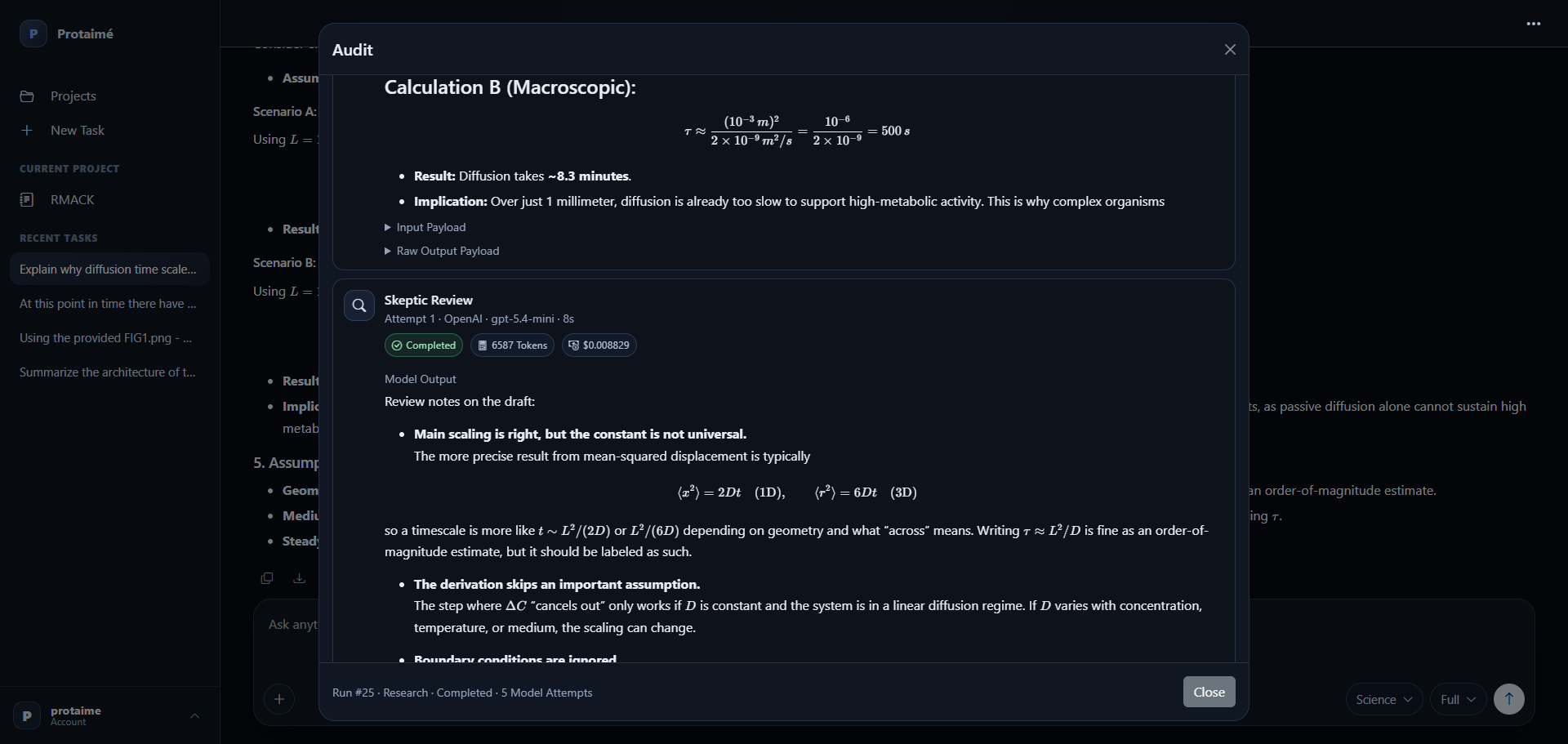
Run a Reviewed Answer
Ask your question and let Protaimé run the configured workflow with your provider-backed models, review stages, and audit history.
For people who need AI to work from real files.
Use Protaimé when your question depends on documents, project material, uploaded files, or context that should not be recreated manually every time.
PDF and Document Review
Work with PDFs, reports, notes, specifications, policies, and other document-heavy material using selected file context.
Project Knowledge
Keep project files together so follow-up prompts can draw from the same organized repository instead of scattered uploads.
Reviewed Responses
Use configured model roles for drafting, review, verification, and final synthesis when a simple one-model answer is not enough.
This is not a free AI document chatbot.
Protaimé is a bring-your-own-key workspace. The app provides the project, file, context, workflow, and audit layer. Model usage runs through the AI provider accounts you connect.
Bring Your Own Key
Connect your own OpenAI, Gemini, or xAI provider key after registration. Protaimé does not include free model usage.
Control the Model Mix
Assign different models to different workflow roles instead of relying on a single hidden model behind the page.
Usage Visibility
Review provider, model, token, cost, and workflow details when you need to understand what happened during a run.
Start with files you can inspect and context you control.
Create an account, upload documents, connect your provider key, and run your first file-backed workflow. Protaimé does not resell model credits or include free AI provider usage.